 DocSigna
Sign any PDF in under a minute
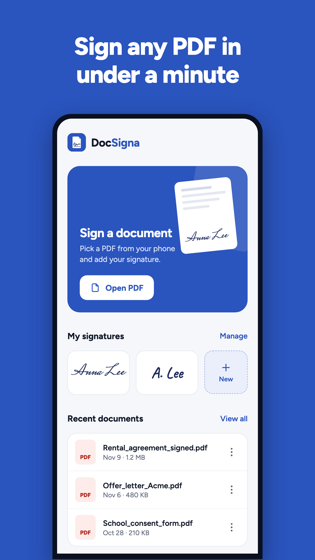
Add your handwritten signature to a document, place it exactly where it belongs, and share the signed copy. No printing, no scanning, no account.
What you can do
Capture your signature
Sign on white paper, take a photo, and DocSigna removes the background so only your ink remains.
Place it anywhere
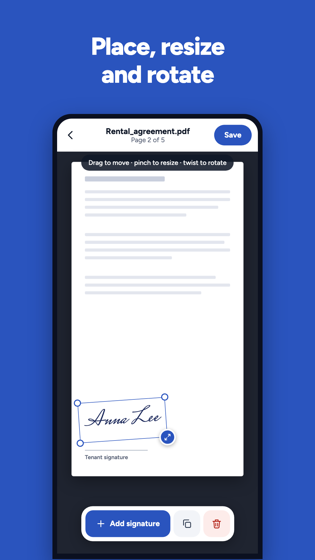
Drag, pinch and twist your signature into position on any page of the document.
Share the signed PDF
Save the signed copy and send it by email, chat or cloud storage.
Keep several signatures
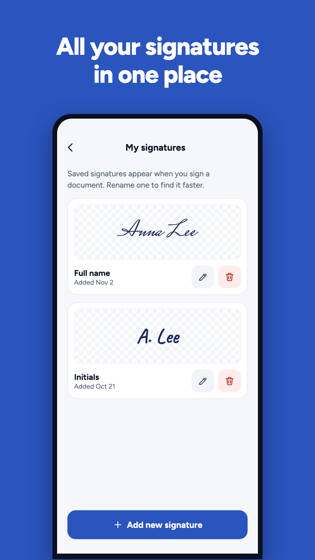
Save a full signature, initials or variations, and rename them to find the right one fast.
Private by design. Your documents and signatures stay on your device. Read the Privacy Policy.